Any brand · your cloud · worldwide
Every camera. Your cloud.
No SD cards.
One premium app for every camera you own, from Reolink and Lorex to Tapo, Amcrest and Swann. Footage records straight to your own storage, like a NAS or Backblaze B2, end-to-end encrypted.
No card needed. Try the demo in your browser first if you like.
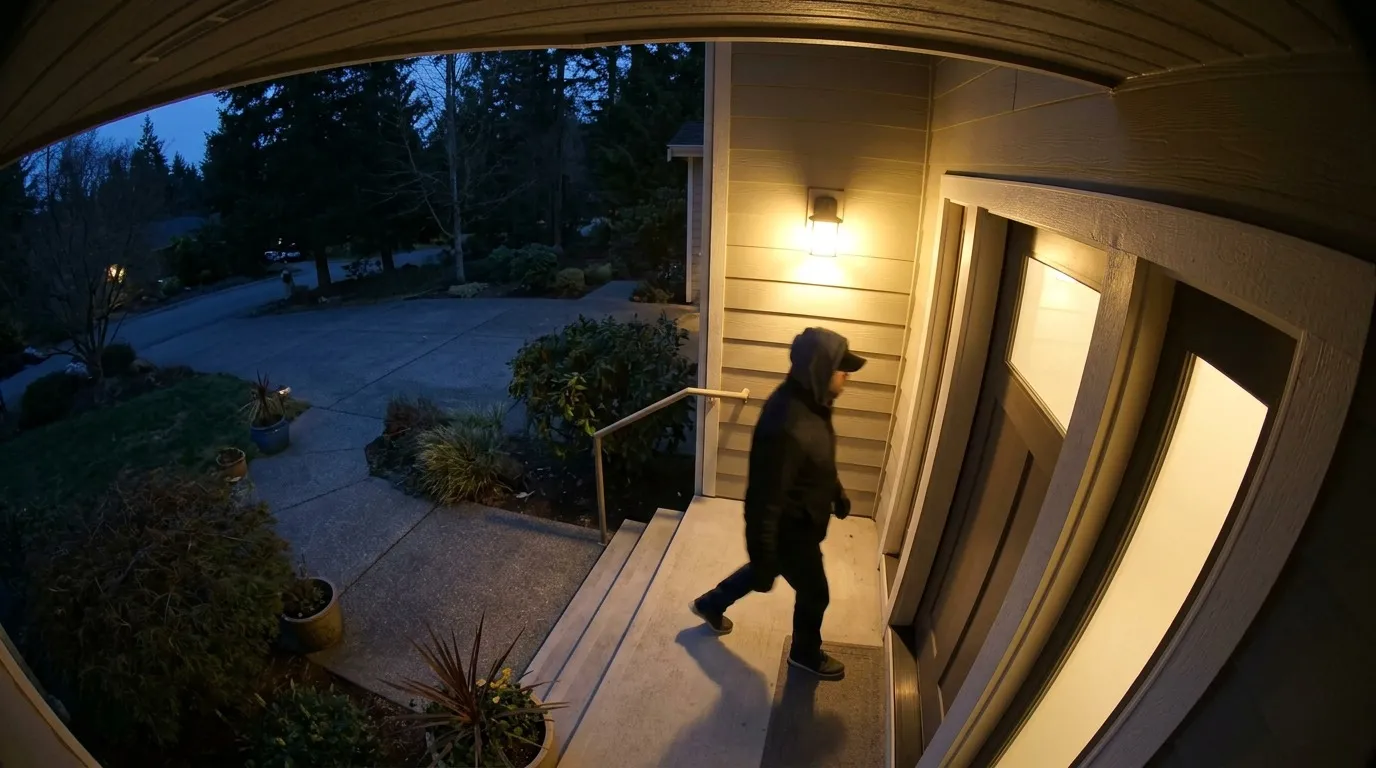
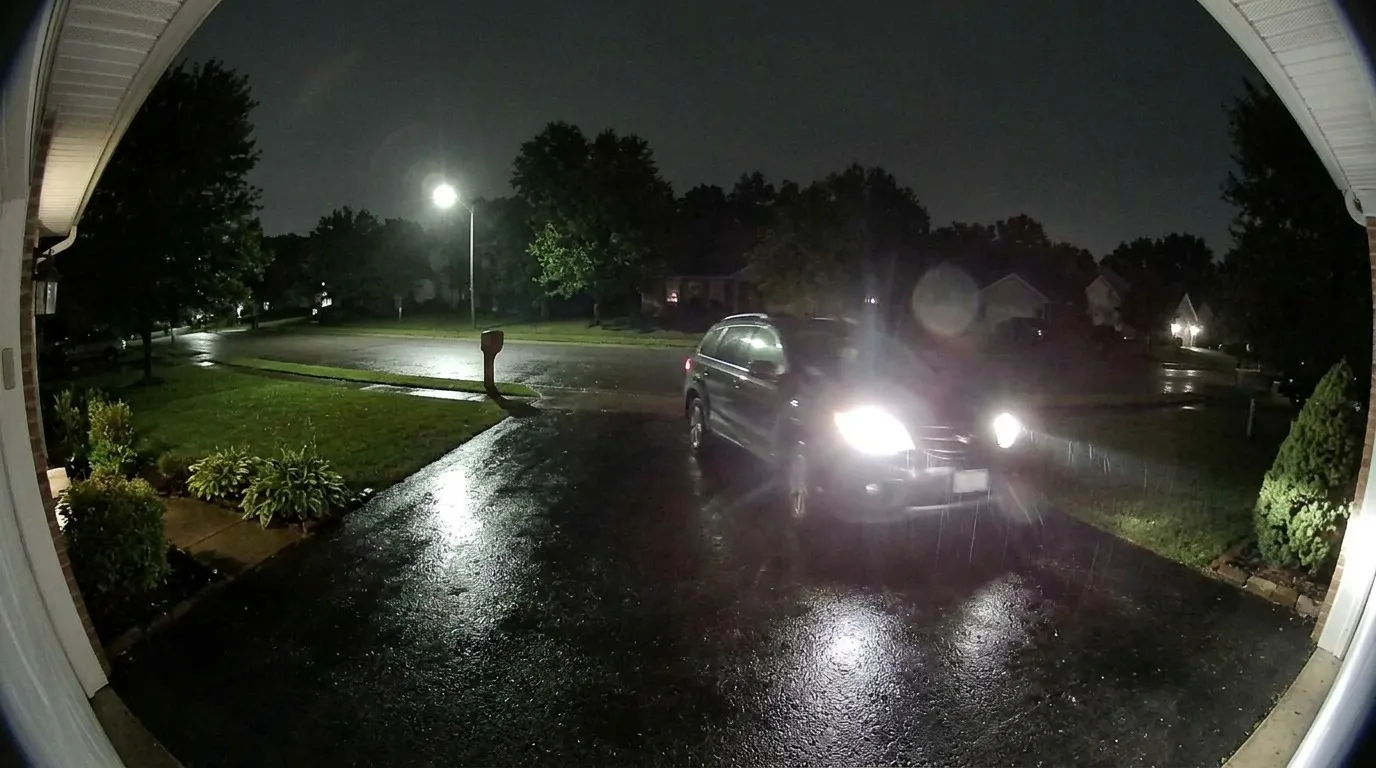
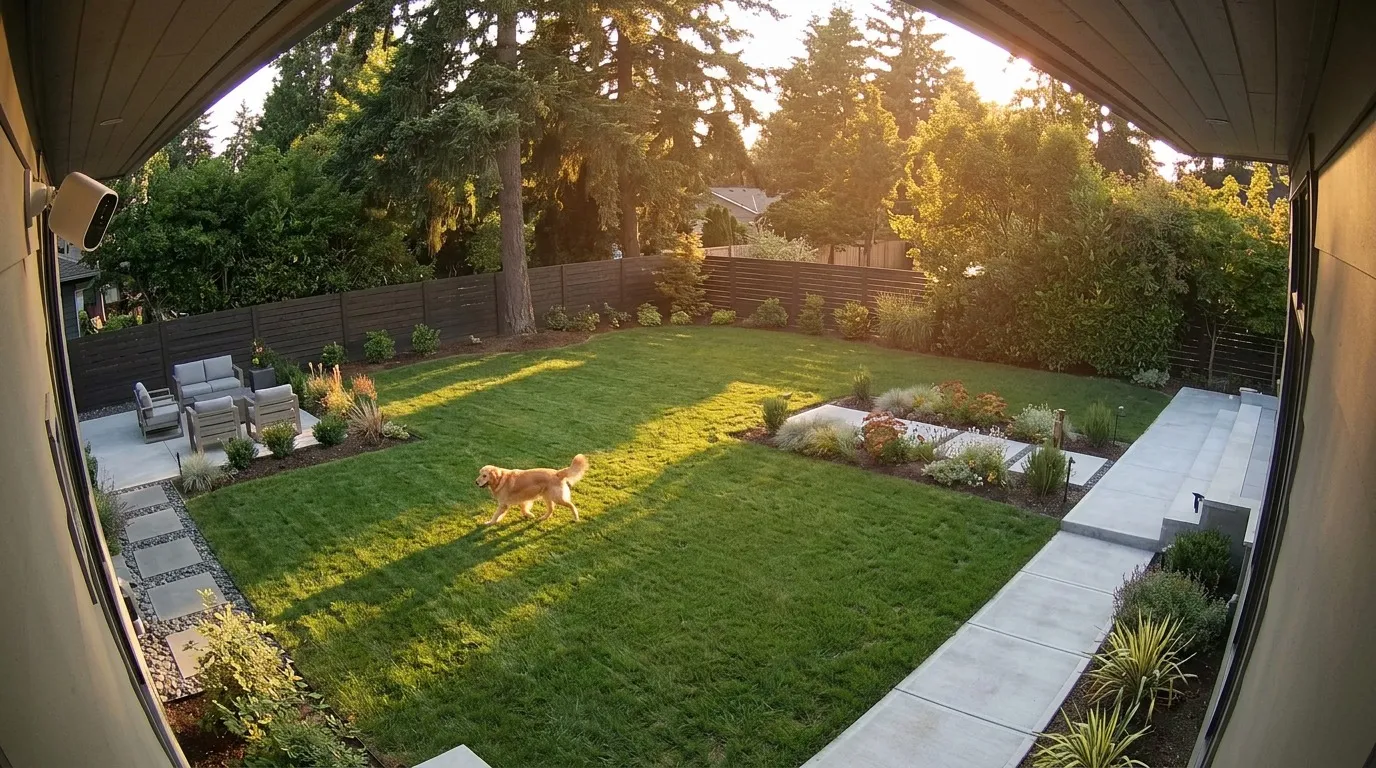
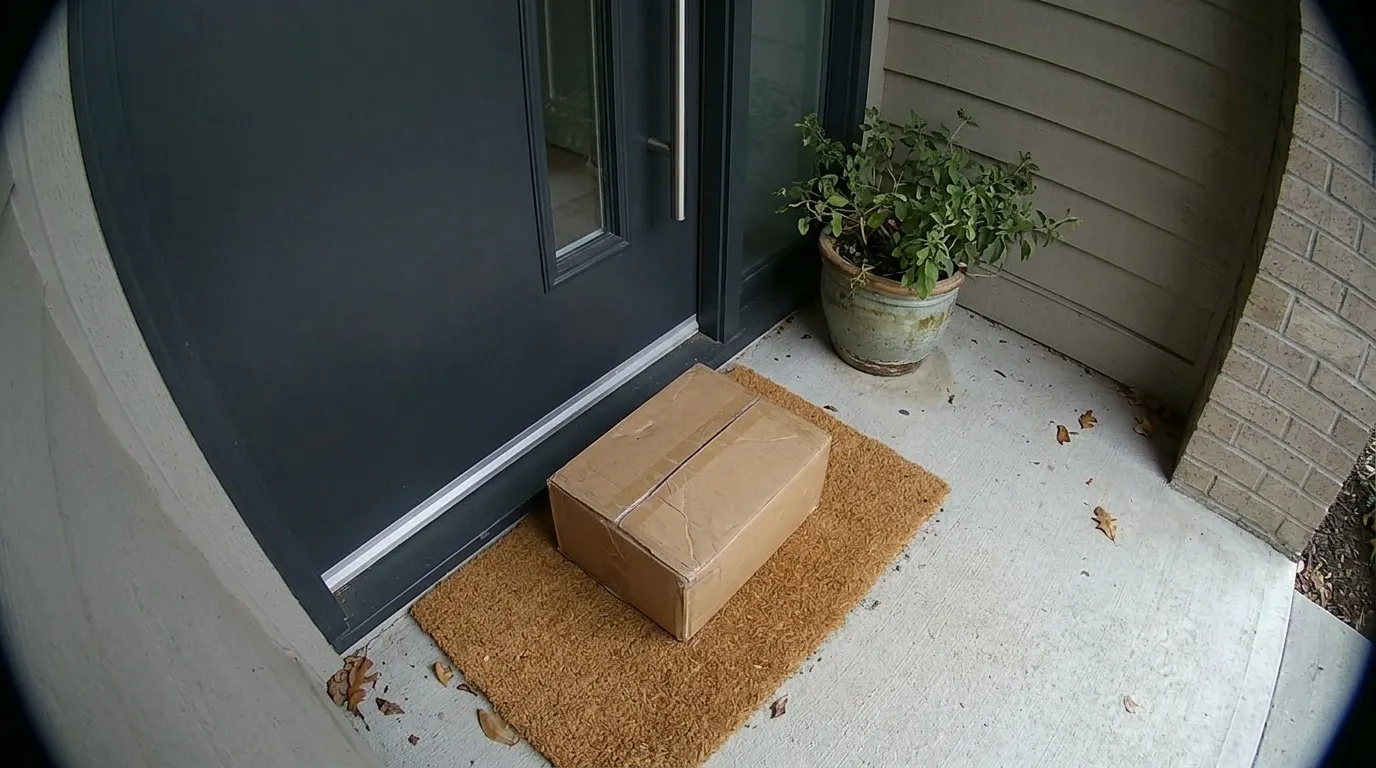
Works with the cameras already on your walls, in any country
The problem
You're paying three times for the same footage.
You pay for a memory card in every camera, then a subscription for every brand, and you still juggle an app for each. Meanwhile your footage sits on someone else's servers.
+70%
SD card prices in Q2 2026
A 128 GB card went from about $30 to $52 this year. No relief expected before late 2027.
$35/mo
for a home with 3 camera brands
Each brand runs its own cloud plan: Ring, Tapo Care, Imou Cloud, Nest Aware…
3 apps
that don't talk to each other
Three timelines, three alert styles. You can't search across them.
The View plan
One app for every camera.
Tapo in the hall, Hikvision on the gate, an Imou in the nursery. Today that's three apps, three logins and three bills. View puts them in one live grid on your phone and computer, with snapshots, pan-tilt, talk-back and motion alerts.
$11.99a year, up to 16 cameras
Free while you're in the beta. No card needed.
Home · 6 cameras
LIVE
- Front gateHikvision
- HallwayTP-Link Tapo
- Motion · 2mNurseryImou
- DrivewayReolink
- Shop counterCP PLUS
- Back gardenEzviz
- Live view, any brand
- Snapshots
- Pan-tilt and talk-back
- Motion markers, kept 24 h
- No recording. Add it any time.
Works worldwide
If it records video, Glimpo speaks its language.
Hikvision in Dubai, CP PLUS in Delhi, Tapo in Tokyo, Lorex in Texas, Abus in Berlin. Glimpo talks to cameras through ONVIF and RTSP, the open standards almost every IP camera, NVR and DVR supports. So it isn't a short list of partners. It's most of the market.
- 110+
- brands by name
- 1000s
- of camera, NVR & DVR models
- 2
- open standards: ONVIF & RTSP
- 5
- regions, one app
Support varies by model: the camera must expose ONVIF or RTSP. Setup is tested on Hikvision, Dahua, Tapo, Imou, Reolink, CP PLUS and Amcrest. Brand names are trademarks of their owners; Glimpo is not affiliated with them.
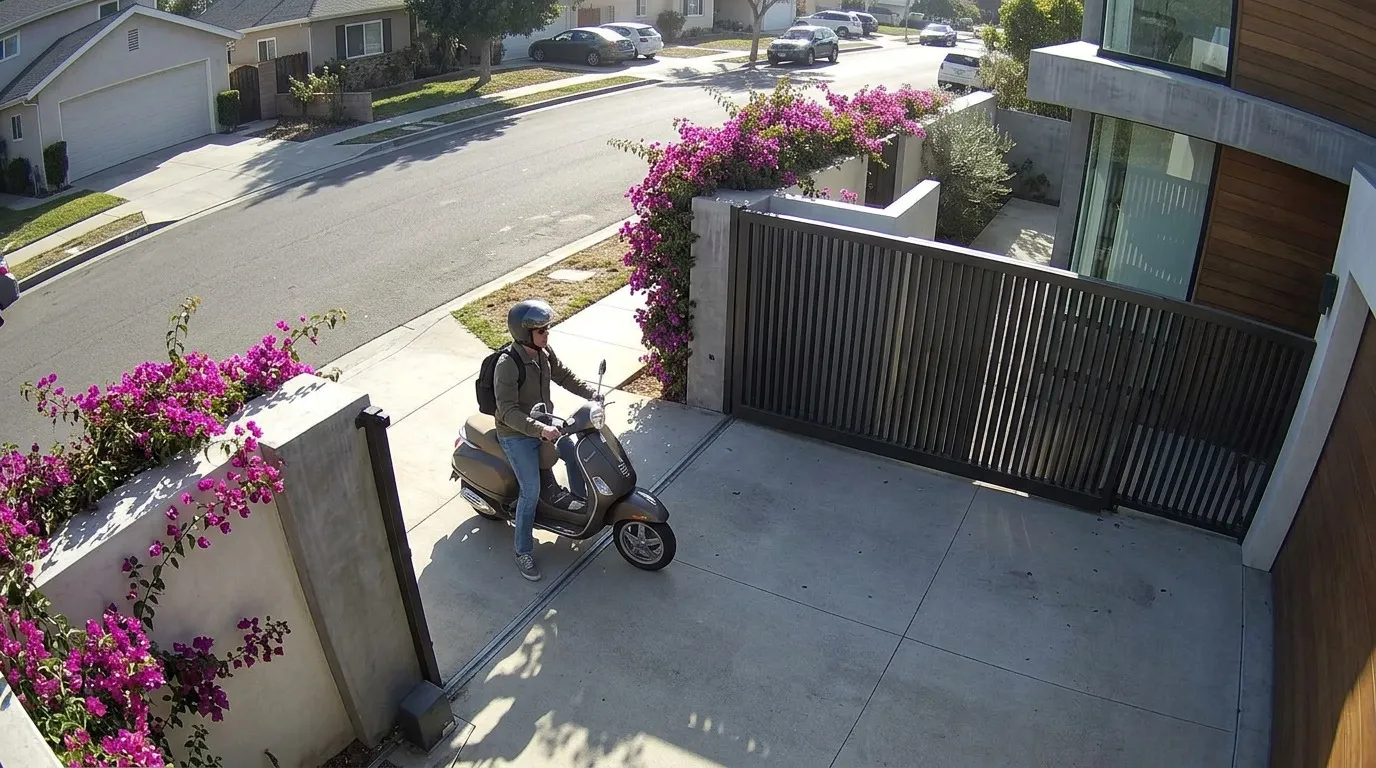
Homes, villas & apartments. Gates, doors, parking and every room.
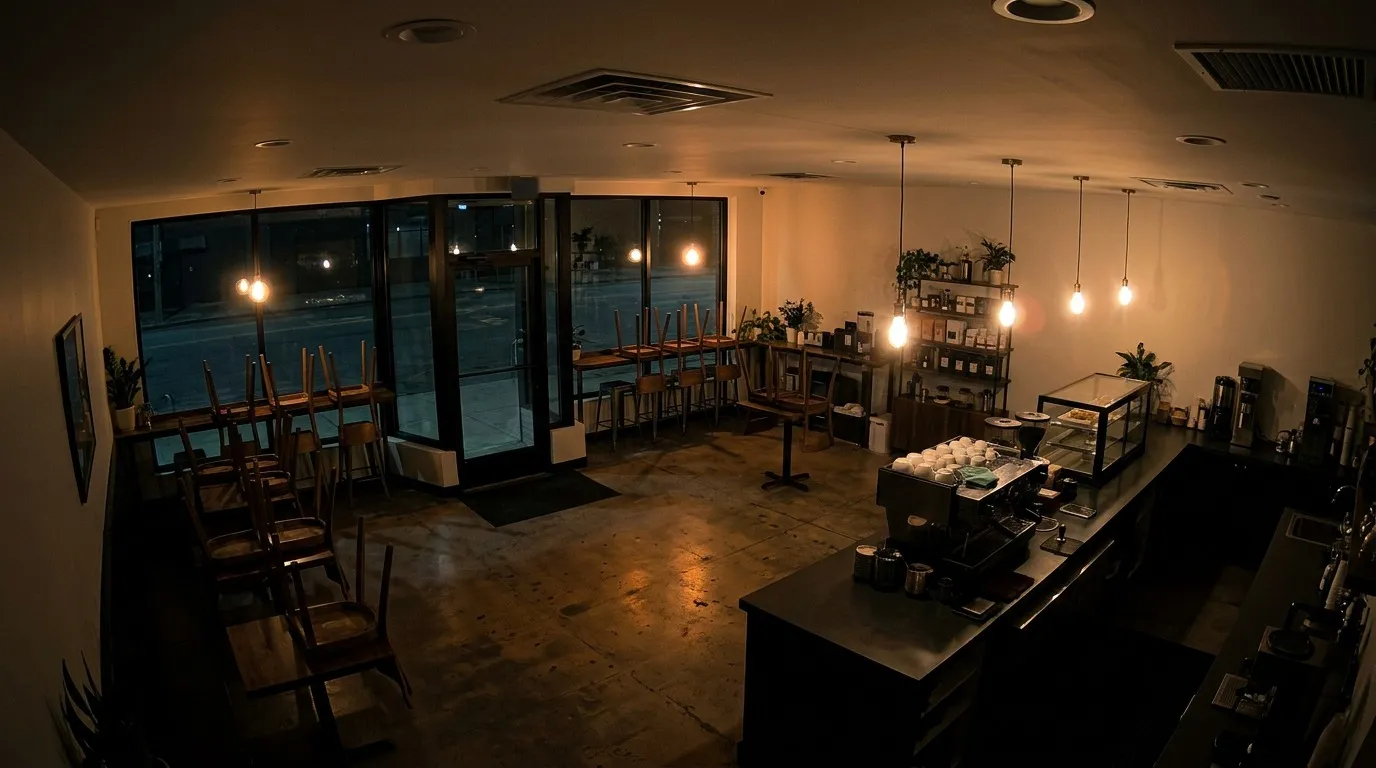
Shops, offices & multiple sites. Connect the NVR you already have by adding each channel's stream.
How it works
Set up in the time it takes to make coffee.
A small hub at home pulls every camera's stream and copies it to storage you own. It never goes through our servers.
Glimpo hub at home
record · detect · encrypt
- 012 min
Install the hub
Install Glimpo on a Mac and it becomes your recorder. Windows, Raspberry Pi and NAS are being tested now.
- 02minutes
Scan your cameras
Glimpo finds the cameras on your network and recognises popular brands. You type each camera’s password. No YAML, no config files.
- 031 min
Pick where footage goes
Point it at a NAS, a folder, WebDAV or an S3 bucket like Backblaze B2. Every clip is encrypted, then uploaded. Pull out the SD cards.
Mac today; Windows, Raspberry Pi and NAS soon: see every hub option →
Signature features
Only in Glimpo. Easy to say, easy to use.
The things your camera brand’s app doesn’t do, and a DIY recorder makes you build yourself.
Vault
Your own cloud, sealed with your key.
Clips go to your own S3 bucket, WebDAV or NAS as they’re recorded, encrypted with a key only you hold. If a thief takes the camera, the footage has already left the house.
“It’s already in my Vault.”
Stay-Home AI
Detection and search that run on your hub, not in a cloud.
Person, vehicle, animal and package detection, plus plain-English search like “red car yesterday”, all run on the hub in your home. No frame is sent anywhere to be analysed.
“Stay-Home AI spotted a person.”
- Plus & Pro
Porch Watch
An alert when a parcel arrives, and another when it leaves.
Door cameras notice deliveries and pick-ups, with an alert for each, so you know the moment a package is taken.
“Porch Watch says the parcel’s gone.”
- Plus & Pro
Proof Pack
A signed, tamper-evident export for police and insurers.
Pick the events, and Glimpo builds a signed, hash-chained ZIP of clips and snapshots. Anyone can check it hasn’t been altered with the offline verifier inside.
“I sent the police a Proof Pack.”
Daily Reel
Your day across every camera, in 30 seconds.
Each day’s highlights from all your cameras, people first, built on your hub in seconds.
“Watch today’s Daily Reel.”
Glimpses
Short event clips you can open anywhere, even when the hub is offline.
Every event gets a 5–10 second Glimpse you can watch from anywhere, without a connection to your hub.
“Send me the Glimpse.”
Blind Relay
Optional: clips reach you through our server, sealed so we can’t see them.
For when there’s no hub online. Clips pass through Glimpo sealed to your key, so we carry them without being able to open them. Off unless you turn it on.
“Turn on Blind Relay.”
Savings calculator
What your cameras cost now. And what you'd keep.
Add the cameras you own, any mix of brands. We add up what their cloud plans cost you each year and compare it with the one Glimpo plan that covers all of them.
TP-Link Tapo
Tapo Care · $3.49/camera/mo
Imou
Imou Cloud · $2.99/camera/mo
Hikvision / Ezviz
CloudPlay · $3.99/camera/mo
Reolink
Reolink Cloud · $3.49/camera/mo
CP PLUS
CP PLUS Cloud · $2.50/camera/mo
Add a camera to see what you pay now.
With Glimpo Essential
$162/year today
$69a year
Covers all 4 cameras, billed yearly.
You keep $93 a year.
Plus $208 of SD cards you won't need to buy.
2026 list prices for each brand's cloud plan. Glimpo is free to try during the beta. Bring your own storage: S3, Backblaze B2, WebDAV or a NAS.
Features
Smarter than the apps your cameras came with.
Search every camera like you search your photos.
Ask in plain English. Stay-Home AI searches every brand at once, on your own hub, privately.
Front door · Reolink
Yesterday 6:12 PM
Front gate · CP PLUS
Yesterday 9:41 AM
Driveway · Hikvision
Mon 10:03 PM
Alerts for people, not swaying trees.
On-device AI tells a person from a car, a package or a pet, even if your camera can't.
90% less storage than 24/7 recording.
Glimpo copies your camera's video without re-encoding and keeps full quality around motion. Old clips tidy themselves away.
See who's at the door before you reach for your phone.
Alerts arrive on your wrist with a snapshot and quick Seen, Star and Snooze actions. Your phone’s alerts show on a paired watch. Apps for Apple Watch and Wear OS are coming soon.
● Front door
Person detected
Unified timeline
Scrub every camera, every brand, on one timeline with thumbnails.
Proof Pack
Signed, hash-chained clip bundles you can hand to police or insurers. Anyone can check them for tampering.
Secure remote access
Watch live from anywhere through the built-in relay, end-to-end encrypted, with no port-forwarding and no router settings. Tailscale works too, if you use it.
Home, Away & Night modes
Indoor cameras go private in Home mode, and alerts follow the mode you're in.
Every screen
Mac and the web today, connected to the same hub. Windows, iPhone and Android are being tested now.
Family sharing
Invite family as owners, members or temporary guests, each with their own alerts.
Your footage, your cloud
Private by design. Here’s where your video goes.
1 · Camera
Your camera
Streams on your home network only.
2 · Hub, in your home
Sealed here
Records, detects, and encrypts every clip with AES-256-GCM to your key.
3 · Your storage
NAS, S3 or WebDAV
Holds ciphertext. Only your recovery key opens it.
What we can’t see
Your video and snapshots. Your camera passwords. Your recovery key. Camera names in Glimpses. We couldn’t hand them over if asked.
What we can see
Your email and plan. Anonymous camera compatibility reports (make, model, firmware), which you can turn off. If you use Glimpses: when a clip arrived and how big it was.
Blind Relay opt-in
The one exception, for cameras with no hub. Each file is sealed to your phone’s key the moment it arrives, stored only as ciphertext and deleted after 30 days. The relay holds a file for milliseconds before sealing it, and cameras without TLS send it unencrypted on the way in.
In the beta
Beta builds send crash and usage diagnostics, only after you agree when you join. Never video, pictures, camera names, addresses or keys. Leave the beta and they stop.
Compare, honestly
How Glimpo stacks up, row by row.
Against the apps your cameras came with, a DIY recorder, and the other apps that show many brands. Where they win, we say so.
| Feature | GlimpoPlans from $11.99 a year | Brand appsTapo, Ring, Imou… on paid plans | DIY recorderFrigate, Blue Iris | Multi-brand viewerstinyCam, IP Cam Viewer |
|---|---|---|---|---|
| Cameras & apps | ||||
| Every brand in one app | Yes, RTSP/ONVIF cameras and NVRs | Their own brand only | Yes | Yes |
| Finds the cameras on your network | Yes, and says what to switch on | Their own brand | You type in addresses | Some |
| Phone, computer and watch apps | Web and Mac; Windows, iPhone and Android soon | Phone, sometimes web | Web page, add-on apps | Phone or TV |
| Set up without YAML, Docker or port-forwarding | Yes | Yes | No | Remote view often needs it |
| Needs a computer on at home | Yes: Mac, PC, Raspberry Pi or NAS | No | Yes | No |
| Recording & storage | ||||
| Where recordings go | Your own S3, B2, WebDAV or NAS | Their cloud, or the SD card | Your own disks | Mostly the phone, if at all |
| Footage survives a stolen camera | Yes, it is recorded off the camera | Only on a cloud plan | Yes | Rarely |
| 24/7 plus event clips with pre-roll | Yes | Event clips on most plans | Yes | Some |
| Signed evidence export for police or insurance | Yes | No | No | No |
| Privacy | ||||
| Video stays off the app maker’s servers | Yes | No | Yes | Usually |
| End-to-end encrypted to your own key | Yes, AES-256-GCM | A few brands, opt-in | Not built in | No |
| Smart features | ||||
| Person, vehicle and animal alerts | On your hub, every brand | On paid plans, in their cloud | Yes, after tuning | Some |
| Search footage in plain English | Pro plan, on your hub | A few, paid | Frigate, after setup | No |
| Price | ||||
| 4 cameras, any mix of brands | $69 a yearor $11.99 to just watch | $120–240 a yearfor each brand you own | Free softwareplus a machine and your time | A few dollars, onceviewing, little else |
Brand apps at 2026 list prices for their cloud plans. Other apps vary; we describe what most of them do. Spotted something wrong? Tell us.
Pricing
One plan for every brand. Not one per camera.
Replace every camera subscription in your home with one. Beta testers get View free, paid plans start with a 3-day free trial of Pro, and your footage always stays in your own storage.
Essential
up to 4 camerasFor a home with a few cameras, any brand.
$5.75/mo
$69 billed yearly
Get Essentialor join the free beta, no card needed
- Up to 4 cameras, any brand
- Record to S3, B2, WebDAV or NAS
- Vault: end-to-end encrypted to your key
- Stay-Home AI person, vehicle & animal alerts
- Unified timeline
- Secure remote access
Plus
up to 10 camerasFor the whole home, every camera on one screen.
$10.75/mo
$129 billed yearly
Get Plusor join the free beta, no card needed
- Up to 10 cameras, any brand
- Everything in Essential
- Apple Watch & Wear OS appssoon
- Porch Watch package alerts
- Proof Pack evidence exports
- Retention controls
Pro
up to 25 camerasAI search across every camera, home and away.
$16.58/mo
$199 billed yearly
Get Proor join the free beta, no card needed
- Up to 25 cameras, any brand
- Everything in Plus
- Stay-Home AI search in plain English
- Overnight H.265 compression
- Family roles & up to 3 sites
View $11.99/year · ₹499/year in India
Live view of up to 16 cameras, any brand, on one hub. Snapshots, pan-tilt and talk-back, no recording.
Free for beta testers: join the free beta. Or free for a year when your post about Glimpo on X passes 3,000 views. How it works
Business from $49/mo
25+ cameras, NVRs and multiple sites for shops, offices and estates.
Prices in USD. Local prices in India from ₹399/month, and in other regions at checkout. Prices include taxes. Payments by Dodo Payments; already subscribed? Manage billing.
Guides
Set up tonight. We wrote down every step.
- Set up Glimpo in 10 minutesInstall the hub, pair a device, add your cameras and choose where footage goes. The whole first run, step by step.Read guide →
- Choosing a hubMac or Windows PC, Raspberry Pi, NAS, Docker, Home Assistant or your own server. Which one to run Glimpo's recorder on, and why.Read guide →
- Which password does my camera want?The camera's own password is never your Wi-Fi password or your app login. Here is what it is called, and where to find it, for each camera app.Read guide →
- Storage destinationsEvery place Glimpo can record to, from S3, Backblaze B2, Cloudflare R2 and Wasabi to WebDAV, a NAS, a USB drive or rclone, and how to choose.Read guide →
FAQ
Questions, answered.
Anything else? Ask support. A human reads every message.
Which cameras work with Glimpo?+
Most cameras sold worldwide. Glimpo connects through ONVIF and RTSP, the open standards supported by most IP cameras, NVRs and DVRs from brands like Hikvision, Dahua, Axis, Hanwha, Uniview, Reolink, TP-Link Tapo, Imou, Ezviz, CP PLUS, Godrej, Lorex and Swann. Setup is tested on Hikvision, Dahua, Tapo, Imou, Reolink, CP PLUS and Amcrest.
How does the free trial work?+
Every new hub gets 3 days of Pro with every feature unlocked. When the trial ends, pick Essential, Plus or Pro to keep using the app. Footage already in your own storage stays yours either way. During the beta, testers also get the View plan free.
What if I have more cameras than my plan covers?+
Move up a plan, or add cameras in packs of 5 for $3.99/month. Shops, offices and estates with more than 25 cameras or many sites get a Business plan from $49/month.
Do I need to buy a hub?+
No. The hub runs on something you likely already own: a Mac or Windows PC (the desktop app records in the background), a Raspberry Pi, or a NAS or server with Docker.
Can Glimpo see my footage?+
No. Video goes from your cameras to your hub to your own storage. Cloud uploads go to your Vault end-to-end encrypted with AES-256-GCM, so your storage provider only ever stores ciphertext. Only your recovery key can decrypt it.
Will this fill up my storage?+
Not quickly. Glimpo copies your camera's own H.264/H.265 without re-encoding and keeps only footage around motion in Events mode, typically 80–95% less than 24/7 recording. Retention is automatic: continuous footage for 7 days, events for 30, starred clips forever.
Does it work for shops, offices and multiple sites?+
Yes. Any NVR or DVR that exposes RTSP works: add each channel's stream. Glimpo lists the recorder’s channels after you sign in, so you can pick which ones to add. Pro covers up to 25 cameras and up to 3 sites in one app. Larger setups get a Business plan from $49/month.
Is Glimpo the same as Unicam?+
Yes. Unicam is now Glimpo: the same app, hub, plans and license keys under a new name. There is nothing to reinstall, and unicam.si links keep working.
Can I get Glimpo free?+
If you’re on a paid plan, post about Glimpo on X, LinkedIn, Instagram, Threads, Reddit or YouTube. A post that reaches 1,000 views in its first 14 days earns 1 month free, 5,000 views 6 months, and 25,000 views 12 months, once a year. On Glimpo View, an X post with 3,000+ views gets you a whole year of View free.
Post it, get it free →Pull out the SD cards.
Cancel the extra plans.
Join the free beta: download the hub, get the View plan free while you test, and tell us what to fix. Or try the demo in your browser first.